Code · Machines · The Web
Design · Build · Ship
I build
things
that work.
Software, circuit boards, printed parts and the web. From the first sketch to the finished thing in your hand — and a few tools I give away for free.
- Custom Software
- CAD & 3D Design
- 3D Printing
- Laser Cutting
- Modern Web Dev
- Database Systems
Free & open
Free tools
Things I built for myself and gave away. No accounts, no subscriptions, no catch.
CYGM
A dedicated continuous glucose monitor display you build yourself for about $40. Three data sources, a real alarm engine and a night face built for 3am.
Read more → Free DownloadPCB Laser Creator
Turns a KiCad board into laser-ready vector art with a live preview. Writes LightBurn files directly, or SVG when you want it.
Download → Free DownloadKiClad
A KiCad companion tool. Project page and download coming shortly.
Read more →Recent work
Built things
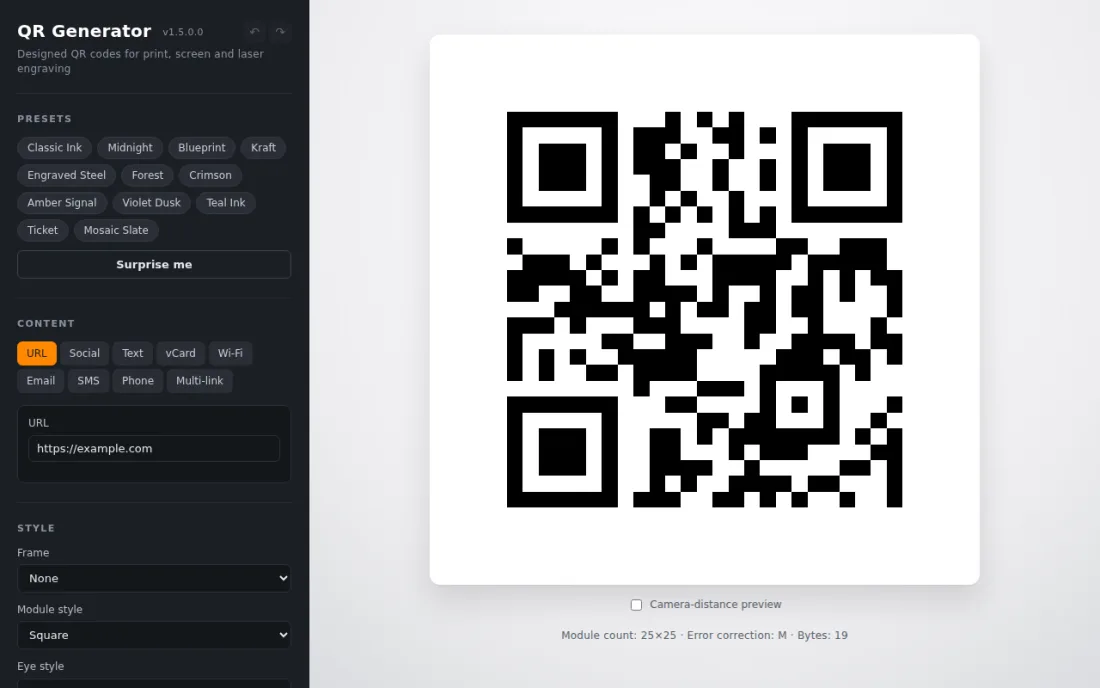
QR Generator
Designed QR codes for print, screen and laser engraving. Style presets, multiple content types, frames and module styles, with a camera-distance preview so a code actually scans at the size you print it.
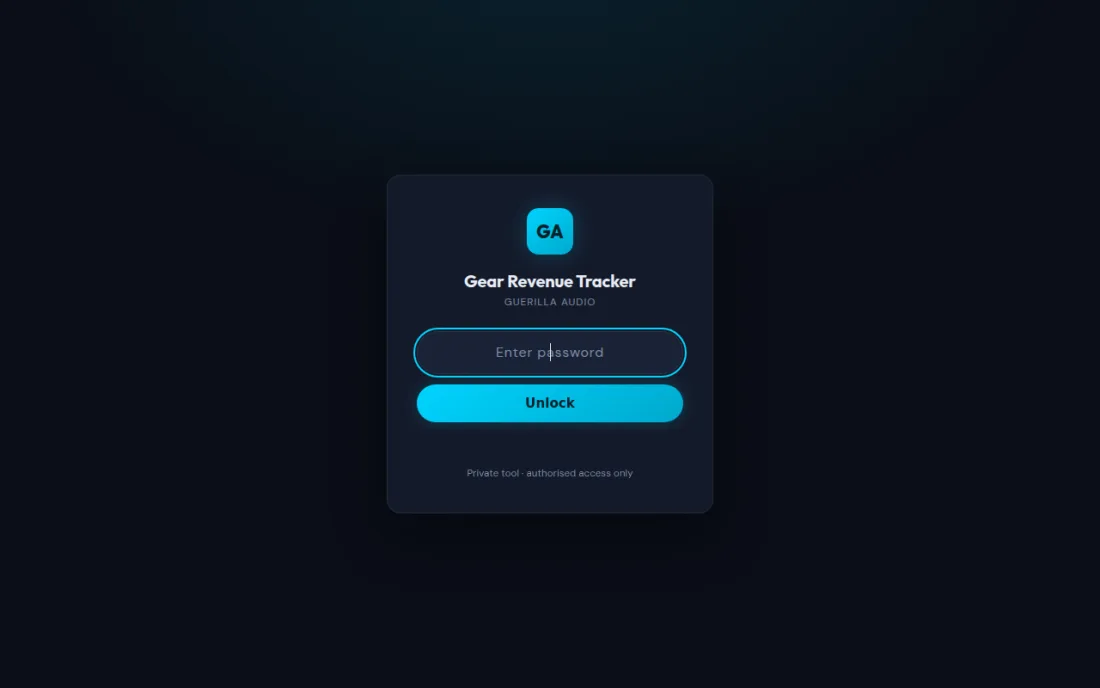
Gear Revenue Tracker
A revenue and utilisation tracker for an audio rental business. Tracks what each piece of gear earns against what it cost. Private tool — the sign-in screen is all that is public.
Multi Cable Tester
A continuity and wiring tester for audio and data cables, taken through six board revisions in KiCad with swappable adapter boards and its own firmware. The project site carries the schematics, boards and parts list behind a sign-in.
BOM
Turns a bill of materials into a working shopping list. Static front end over a PHP API and a MariaDB database, so a parts list stays current across projects rather than going stale in a spreadsheet.
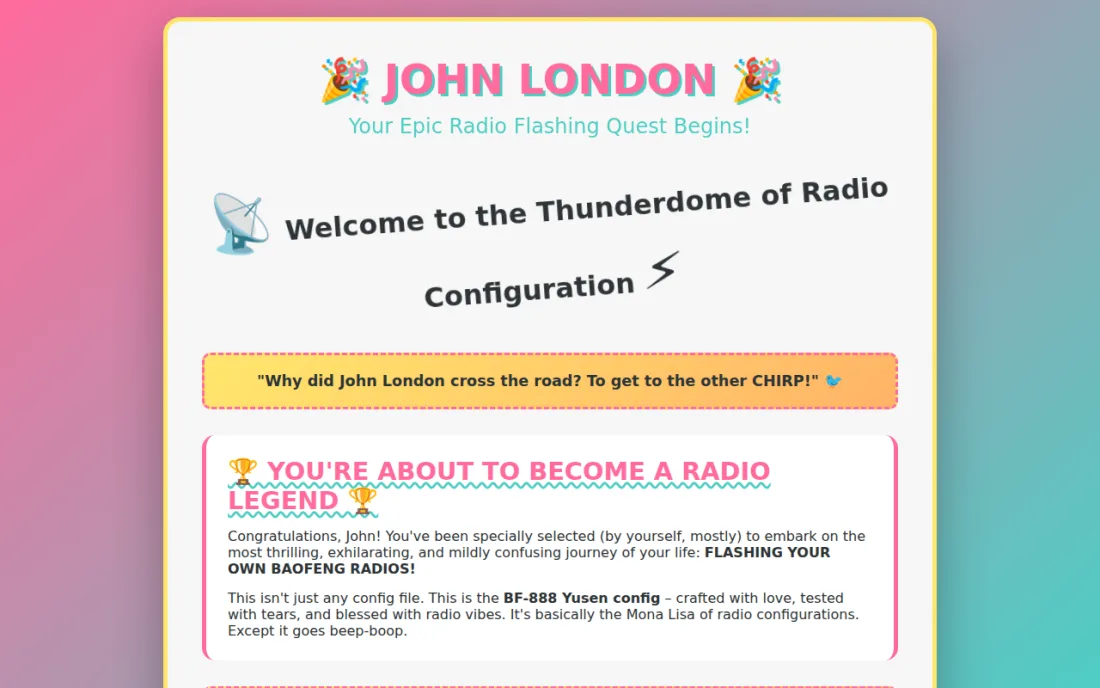
Radio Flashing Guide
A step-by-step walkthrough for flashing a batch of handheld radios, written so somebody who has never opened a terminal can follow it end to end.
What I do
Services
Custom Programming
From automation scripts to full-stack applications. Clean code, real results. If it can be computed, it can be built.
CAD Design
Precision 3D modelling for mechanical parts, enclosures, brackets and custom hardware. Ready for print or machining.
3D Printing
Prototypes and production parts. FDM and resin. Fast turnaround from file to finished piece.
Laser Cutting & Engraving
Wood, acrylic and metal engraving. Custom parts, signage and personalised pieces cut to spec.
Modern Web Development
Performant, database-backed web apps and static sites. Designed to last, built to scale.
Electronics & PCB Design
Schematic capture, board layout and firmware. Through multiple revisions until the hardware actually works.
Get in touch
Let's build
something.
Have a project, a part or a problem worth solving? Send me a note and I'll get back to you.